Manually Download the Swingmaxx App
Download the Swingmaxx App on your mobile phone through an APK file.
Open a Swingmaxx account from the app within minutes.
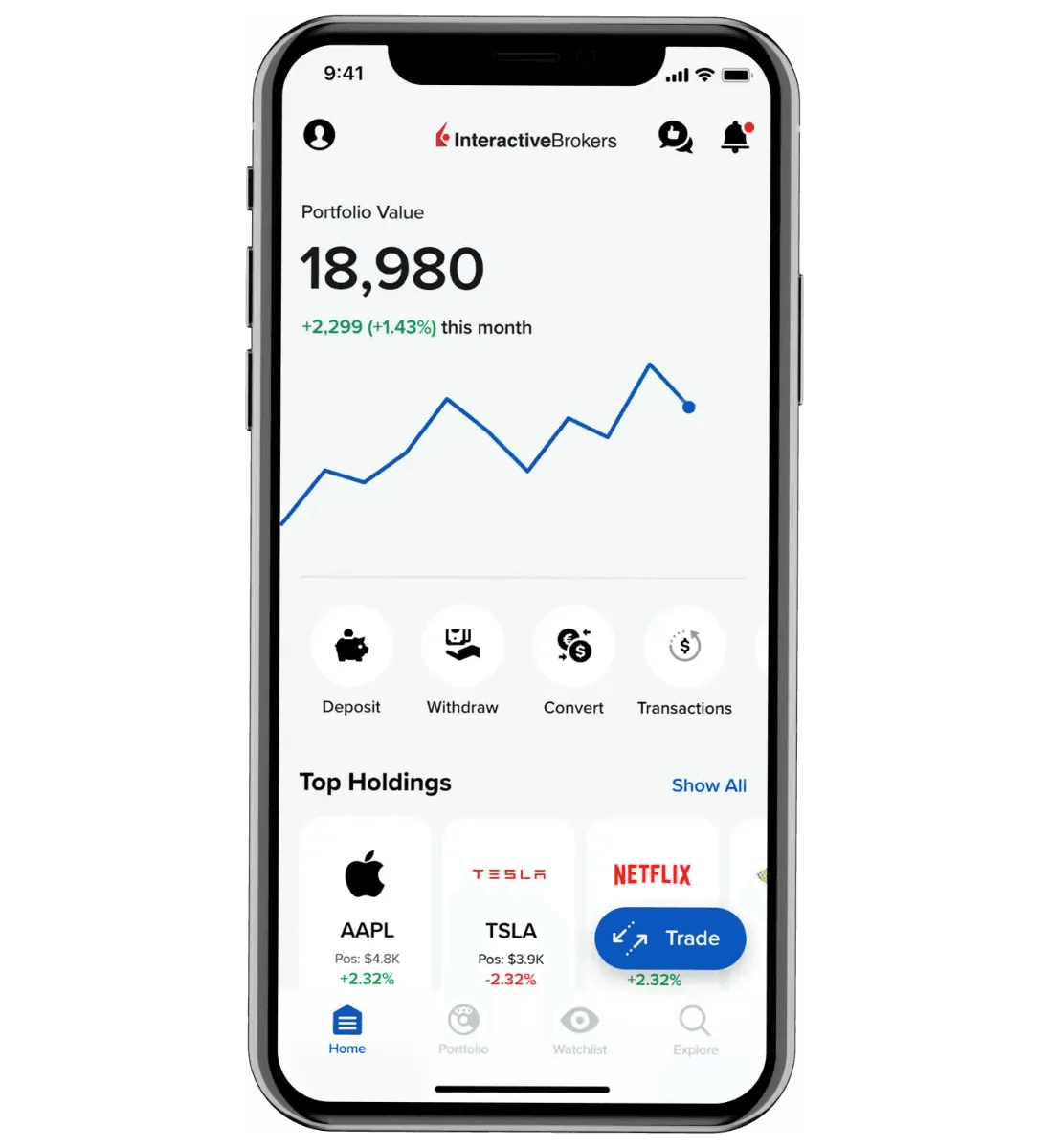
Why the Swingmaxx App?
Essential tools to manage your accounts and trade anywhere, anytime.
Withdraw and deposit at any time.
Reach support within seconds.
Trade on the go and access your accounts.
Get market news and analysis.
APK Installation Steps
Follow these steps to install the Swingmaxx app via APK. You may need to allow installations from unknown sources on your device.
- 1Step 1
Download the APK file on your mobile device.
- 2Step 2
Tap on the downloaded file to open it.
- 3Step 3
Wait for the system message to appear.
- 4Step 4
Go to ‘Settings’ and tap on ‘Allow from this Source’ to enable it.
- 5Step 5
Go back to complete the app installation.
Start using the Swingmaxx app
Download the app and you're a few taps away from unlimited trading opportunities. You can even open an account from the app.